
Playing MUME
MUME is a rich, immersive text-based multiplayer RPG set in Tolkien's Middle-earth. Choose your path below to begin your adventure or connect with your preferred client.
I'm New to MUME
New to text MUDs or MUME? Take our interactive walkthrough to learn movement, map navigation, combat basics, and survival tips.
Start Interactive TutorialI'm an Experienced Player
Skip straight to client connections below: MMapper Web (browser), MMapper Desktop, or Mudlet.
Choose Client & Play1. Play with MMapper Web (Browser)
The web client is the lowest friction option — recommended if you want to jump straight in. You get the full power of a real-time map with no software installation required.
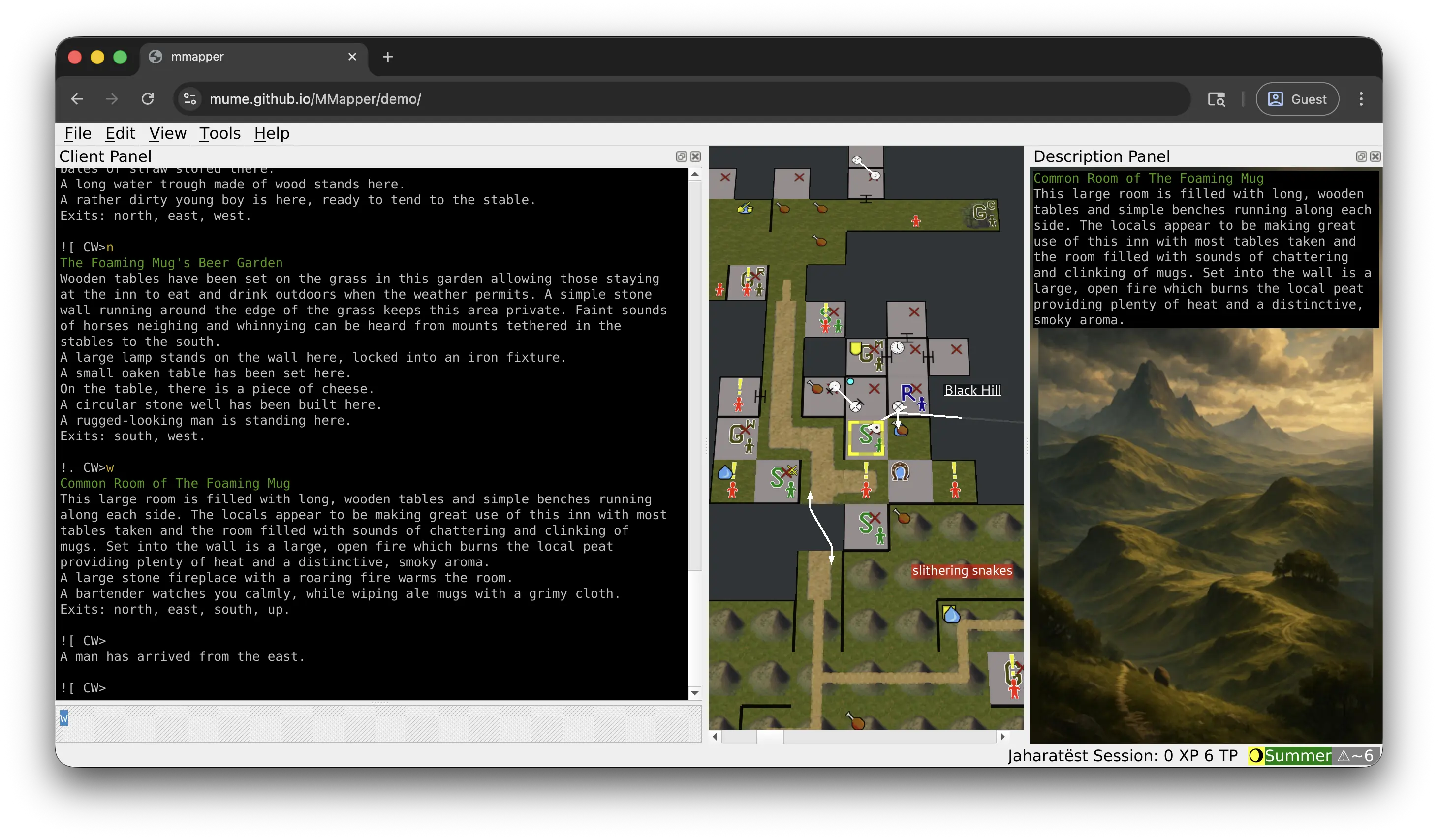
For incompatible or older web browsers, you can try the legacy web client.
2. Play with MMapper Desktop
MMapper Desktop is the full-featured desktop software used by most regular players. It provides powerful real-time automapping, custom triggers, and smooth local performance.
3. Connect with a MUD Client
If you prefer using standalone MUD clients like Mudlet, Powwow, or standard Telnet, connect directly to mume.org port 4242.
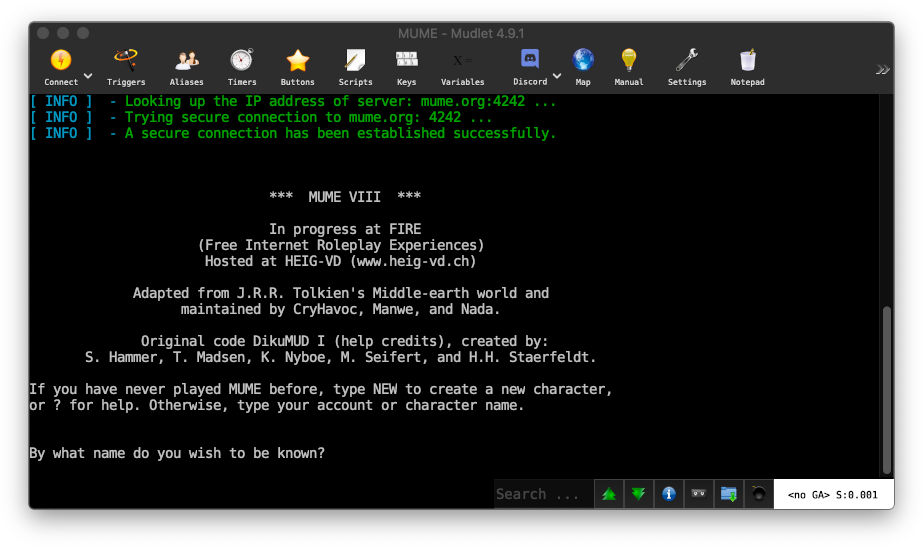
For other MUD clients and scripts, explore our open source community projects.